 Favors.dev
Anomaly AI
AI data analysis workspace for large datasets and spreadsheets
About Anomaly AI
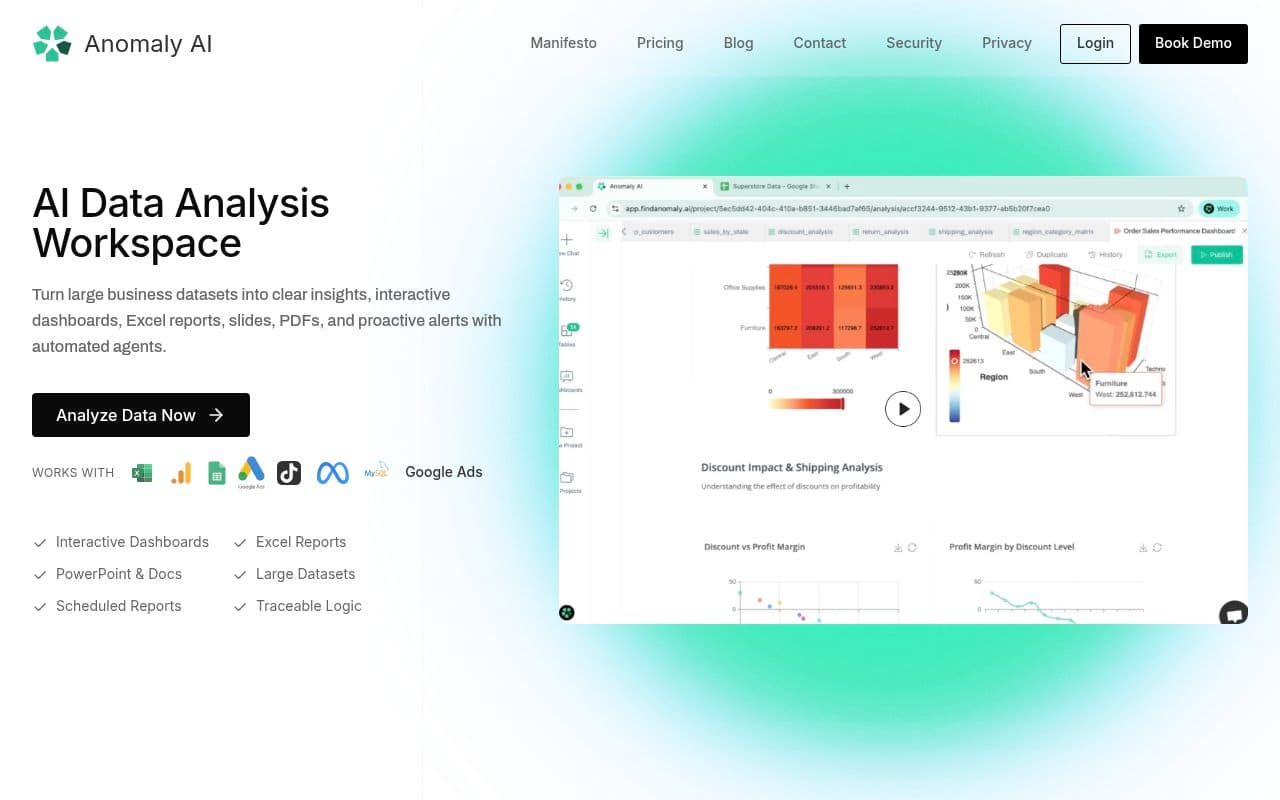
Anomaly AI helps teams analyze large datasets and spreadsheet workflows without forcing a move into heavyweight BI. Connect Excel or CSV files, Google Sheets, GA4, BigQuery, Snowflake, or MySQL, ask questions in plain language, and turn the analysis into traceable dashboards, Excel reports, slides, PDFs, and scheduled email reports. Outputs keep the calculations and source data reviewable so teams can reuse recurring reporting workflows with more confidence.
Frequently asked questions about Anomaly AI
What is Anomaly AI?+
Anomaly AI is an AI data analysis workspace for teams working with large datasets, spreadsheets, and recurring business reporting workflows.
What data sources does Anomaly AI support?+
Anomaly AI supports Excel and CSV uploads, Google Sheets, GA4, BigQuery, Snowflake, and MySQL for business analysis and reporting workflows.
What outputs can teams create?+
Teams can create interactive dashboards, Excel reports, PowerPoint slides, Word docs, PDF reports, and scheduled email reports with traceable calculations and reviewable logic.
Community reviews
No reviews for Anomaly AI yet — be the first to leave one.
Support this launch
Members earn points for sharing, reviewing, and giving feedback on Anomaly AI. Not a member yet?
Join Favors.devYou might also like
- 3
Real Touch
Transform AI-generated portraits into authentic, realistic photos in under 60 seconds
- 2
Kingdom Life Architect
AI prompt engine for conversion-focused website blueprints.
- 2
Agent Ops Club
Access eight open source AI employees, the Agent Ops Masterclass, and 27 premium systems
- 1
Toolicly
Access 145+ specialized AI tools for content, email, and marketing without the blank-page friction
- 1
InfluencerForge
Train one consistent AI model to generate photoreal social content, UGC ads, and motion clips
- 1
Klar
A private, AI-powered spam filter that runs locally on your Mac for Apple Mail