 Favors.dev
Bulk Image Upscaler
Process batches of images with specialized AI models for restoration, portraits, and high-res output
 by Sevenery Open
- 1
- favorite
About Bulk Image Upscaler
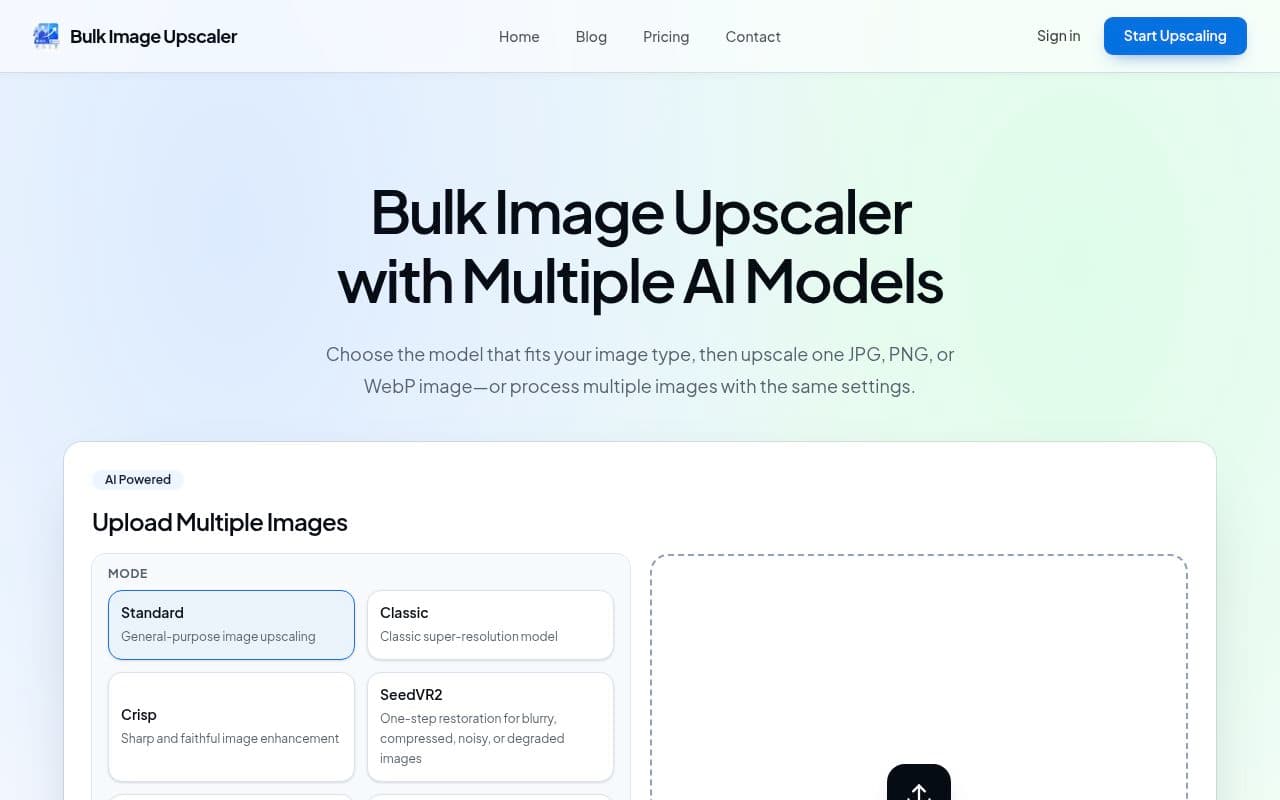
Bulk Image Upscaler is an AI-powered tool designed to help users upscale single or multiple images simultaneously. It is ideal for photographers, designers, and creators who need to enhance photos, artwork, product images, or restore degraded files in bulk.
Key Features
- Multiple AI Models: Choose from specialized modes including Standard, Portrait, Crisp, SeedVR2, Creative, Smart, High Scale, and Classic to match your specific image type.
- Batch Processing: Upload and process multiple images at once to save time on repetitive tasks.
- High-Resolution Output: Achieve up to 16× upscaling for large-scale assets like posters and 4K/8K prints.
- Format Support: Compatible with JPG, PNG, and WebP files.
How it Works
Users select an AI model tailored to their content, upload their files (up to 5 images per batch), and choose an upscale factor. The platform provides real-time before-and-after comparisons, detailing the credit cost, source size, and output dimensions for every processed image.
Frequently asked questions about Bulk Image Upscaler
What file formats are supported?+
The tool supports JPG, PNG, and WebP files.
Are there limits on file size or dimensions?+
Yes, individual files must be under 5 MB, 12 MP, and 6,000 pixels per side. Batch totals must be under 25 MB and 60 MP.
Do I get free credits to try the service?+
Yes, new accounts include 10 credits to get started with the service.
Community reviews
- Mark FultonMember · today
Clean. Got it in two seconds, the upload box sits right on the homepage and you pick a model before you start. Eight modes is a lot though. What if it looked at my photo and suggested the right one? Would save me guessing between portrait and crisp.
Support this launch
Members earn points for sharing, reviewing, and giving feedback on Bulk Image Upscaler. Not a member yet?
Join Favors.devYou might also like
- 4
SynthTest
AI personas built from deep research test your website or app to uncover why users drop off
- 3
Moltgate
Turn AI agent ideas into paid offers. Learn what sells, then automate what repeats.
- 3
Real Touch
Transform AI-generated portraits into authentic, realistic photos in under 60 seconds
- 2
Agent Ops Club
Access eight open source AI employees, the Agent Ops Masterclass, and 27 premium systems
- 2
Kingdom Life Architect
AI prompt engine for conversion-focused website blueprints.
- 1
InfluencerForge
Train one consistent AI model to generate photoreal social content, UGC ads, and motion clips