 Favors.dev
Quick Image Converter
Free online image converter — convert JPG, PNG, WebP, AVIF and HEIC right in your browser. Fast, pri
 by Quick Image Converter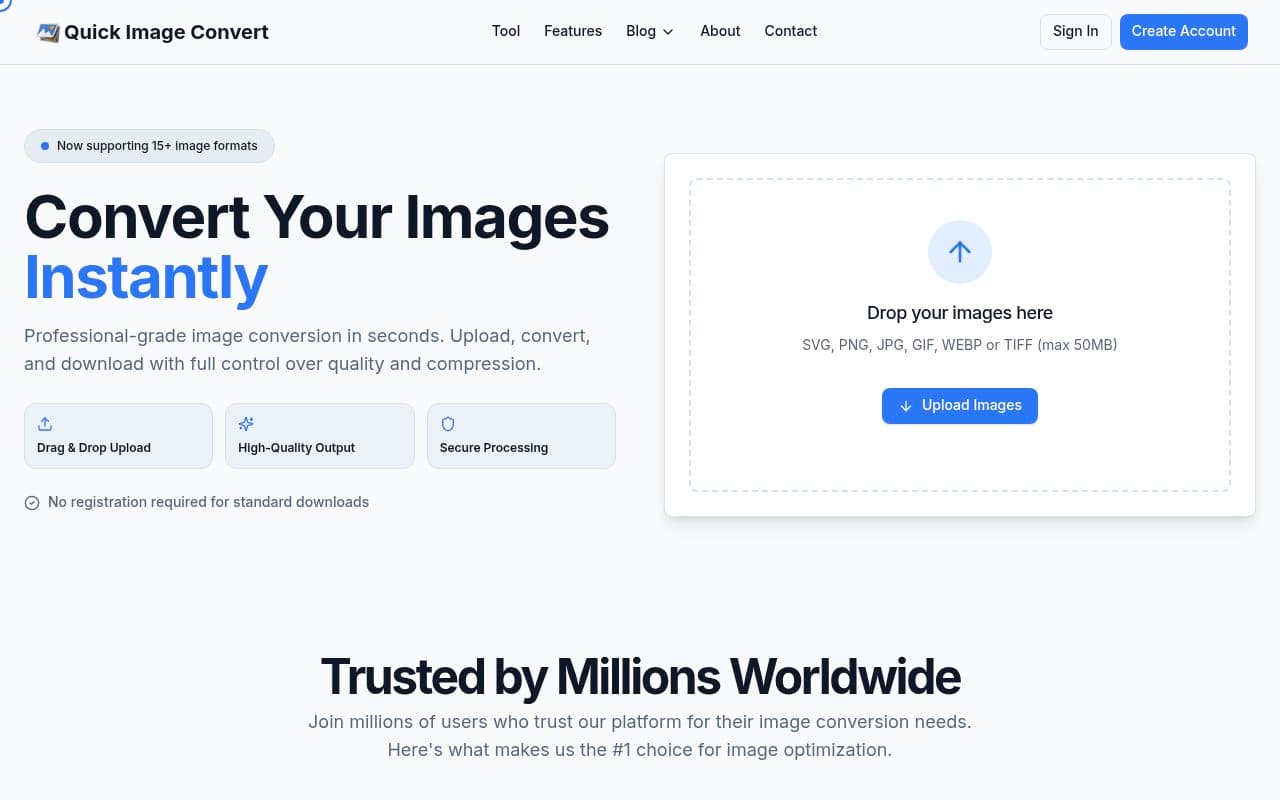
About Quick Image Converter
Quick Image Converter is a professional-grade, browser-based tool designed for photographers, designers, developers, and content creators. It enables users to convert, resize, and compress images across 50+ formats without the need for registration or server-side uploads.
Key Features
- Privacy-First Processing: All conversions occur locally in your browser using WebAssembly, ensuring your images never leave your device.
- Batch Processing: Handle hundreds of images simultaneously and download them individually or as a ZIP archive.
- Advanced Optimization: Includes custom compression, metadata preservation, and intelligent resizing with aspect ratio maintenance.
- Universal Format Support: Supports 50+ formats, including JPG, PNG, WebP, HEIC, GIF, TIFF, and SVG.
- Performance: Multi-threaded processing engine provides lightning-fast conversion speeds even for large files.
Pricing & Usage
- 100% Free: The tool is completely free to use with no hidden costs.
- Unlimited Access: There are no daily limits, file size restrictions, or account requirements.
- No Registration: Start converting immediately without creating an account or providing personal information.
Frequently asked questions about Quick Image Converter
Is my data secure when using this converter?+
Yes, all image processing happens locally in your browser using WebAssembly technology. Your images never leave your device or touch any servers.
Do I need to create an account to use the service?+
No, the service is completely free and requires no registration, passwords, or personal information to use.
Can I process multiple images at once?+
Yes, the tool supports batch processing, allowing you to convert hundreds of images simultaneously and download them as a ZIP archive.
Are there limits on file sizes or daily usage?+
There are no daily limits, file size restrictions, or usage caps. You can convert as many images as you need.
Community reviews
No reviews for Quick Image Converter yet — be the first to leave one.
Support this launch
Members earn points for sharing, reviewing, and giving feedback on Quick Image Converter. Not a member yet?
Join Favors.devYou might also like
- 1
Peak Maps
Interactive mountain height comparison featuring 50 iconic peaks in 2D contour art and 3D models
- 1
AI Room Makeover
Preview one concrete room change in your own photo before you act.
- 0
Hausjam
AI-powered interior design and home renovation ideas
- 0
ImageSplit
A free, browser-based tool to divide photos into grids for social media, posters, and printing
- 0
48-Hour Founder UI Flow Pack
Coherent multi-screen MVP UI flows for founders in 48 hours
- 0
Cursive Generator
Type your name and see it in real cursive fonts, ready to download as PNG or SVG.