 Favors.dev
- 1
- favorite

About SMBDashboard
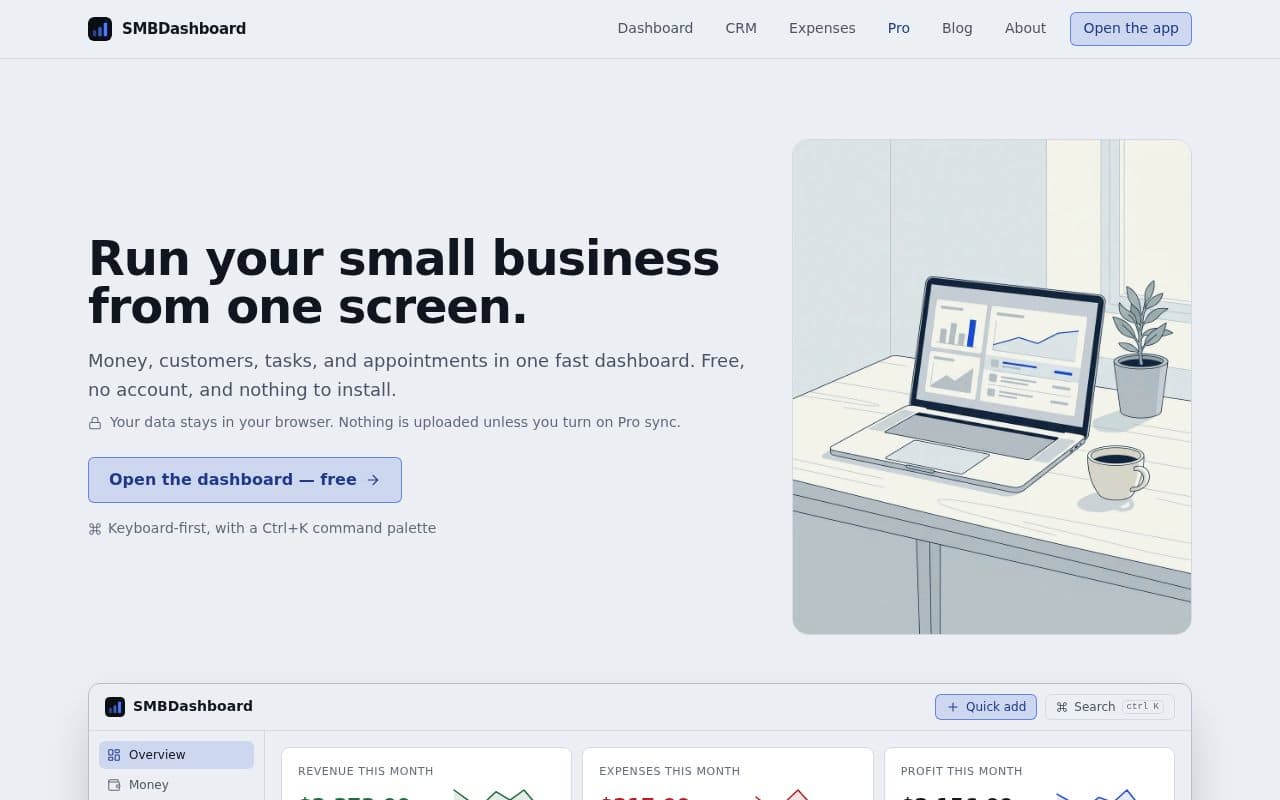
SMBDashboard is a lightweight, keyboard-first business management tool designed for small business owners who want to track their operations from a single screen. It requires no account and stores all data locally in the browser, ensuring privacy unless the user opts for Pro synchronization.
Key features
- Six Integrated Modules: Manage Overview, Money, Customers, Tasks, Appointments, and Weekly Reports in one interface.
- Keyboard-First Design: Use the
Ctrl+Kcommand palette for rapid data entry and navigation. - Local-First Storage: Data is stored as a versioned JSON document in your browser; export or import your data at any time.
- Weekly Reporting: Generate a one-page "Week in Review" report to track revenue, expenses, profit, and task completion.
- Lightweight CRM: Track contacts, tags, and notes with automated "last-touched" dates.
Pricing & plans
- Free Tier: Includes unlimited tasks and basic functionality with no account required.
- Pro Tier: Starts at $8/mo (or a one-time lifetime license payment). Includes unlimited customers and entries, CSV exports, recurring entries, custom branding (business name and logo), and additional themes.
How it works
- Open the app: Access the dashboard instantly without signups or onboarding calls.
- Log data: Use the command palette to quickly add income, expenses, customers, tasks, and appointments.
- Review: Check the Overview module weekly to monitor KPIs and print your weekly report.
Frequently asked questions about SMBDashboard
Do I need to create an account to use SMBDashboard?+
No, you can use the dashboard without an account. Your data is stored locally in your browser unless you choose to enable Pro sync.
Is there a cost to use the dashboard?+
The dashboard is free to use. A Pro version is available starting at $8/mo or via a one-time lifetime license payment for advanced features like CSV exports and custom branding.
Can I export my data?+
Yes, your data is stored as a versioned JSON document in your browser, which you can export at any time. Pro users also gain access to CSV export functionality.
How do I add new tasks or appointments quickly?+
The dashboard is keyboard-first and features a Ctrl+K command palette, allowing you to add entries in seconds.
Community reviews
No reviews for SMBDashboard yet — be the first to leave one.
Support this launch
Members earn points for sharing, reviewing, and giving feedback on SMBDashboard. Not a member yet?
Join Favors.devMore from Mark Fulton
- 4
ChaChing Alerts
Get a real-time Stripe payment notification with a cash-register sound every time you make a sale
- 3
$199 Domains
Premium, AI-vetted, and ownership-verified domain names for your startup for $199 or less
 3
3Favors.dev
A marketing co-op where founders trade verified growth actions to launch their SaaS
- 3
Real Touch
Transform AI-generated portraits into authentic, realistic photos in under 60 seconds
- 2
Agent Ops Club
Access eight open source AI employees, the Agent Ops Masterclass, and 27 premium systems
- 1
KeepAnswers
Automatically save Facebook group participation answers and send automated email follow-ups
You might also like
- 2
LaunchRadar
You vibe coded the app. Now vibe market it.
- 1
Kron Script AI
A premium minimalist workspace for viral screenplays, cinematic pacing, and visual prompts
- 1
Ashraful Systems
US-based Discord infrastructure consulting for SaaS, Web3, and FinTech ecosystems
- 1
Fieldbase On-Site
The all-in-one platform for Texas aerobic system maintenance providers to automate operations
- 0
Wid9et
Free browser tools and community-built widgets
- 0
iSilta
Lead people with context, not guesswork