 Favors.dev
hdrglow
Generate Ultra HDR images that render brighter than white on Instagram, YouTube and Threads
- 1
- favorite
About hdrglow
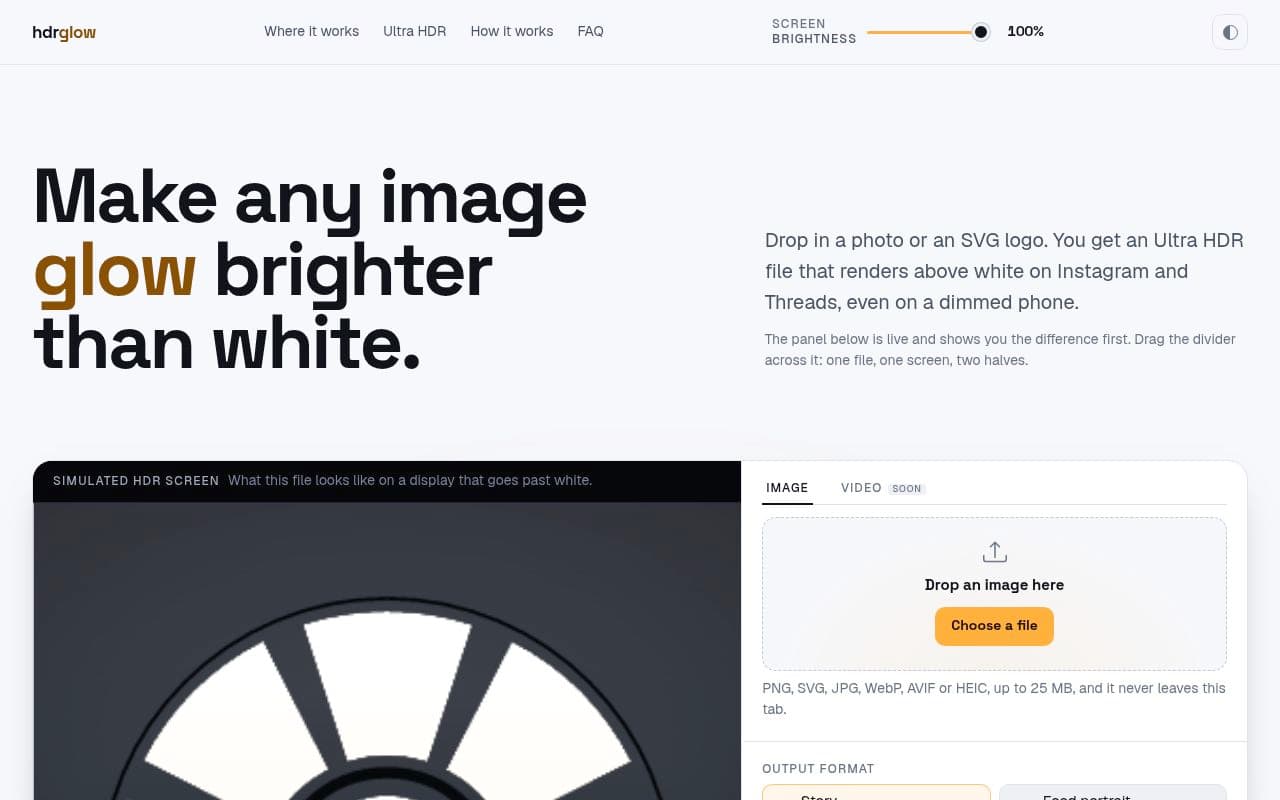
hdrglow is a free, browser-based tool that converts photos and SVG logos into Ultra HDR files. Designed for creators and social media managers, it allows images to display at higher brightness levels on HDR-capable devices, ensuring content stands out on platforms like Instagram and Threads.
Key Features
- Browser-based processing: No account required, and files are processed locally in your browser for privacy.
- Platform-specific presets: Includes optimized settings for Instagram/Threads Stories and feeds, Skool, Discord, and LinkedIn.
- Gain map technology: Creates files that render with extra brightness on HDR and OLED screens while remaining compatible with standard displays.
- Platform compatibility tracking: Provides detailed, community-reported data on which social platforms support gain maps and which require specific upload methods (e.g., sending as a document).
How it works
Users simply drop an image or SVG logo into the tool. The generator creates an Ultra HDR file that embeds a gain map, allowing the image to "glow" on supported displays. For platforms that re-encode uploads, the tool provides guidance on workarounds, such as sending files as documents on WhatsApp or Telegram to preserve the metadata.
Frequently asked questions about hdrglow
Do I need to create an account to use hdrglow?+
No, the tool is free to use without an account. All processing happens directly in your browser, so your files do not leave your device.
Will my HDR image look broken on devices that don't support it?+
No, the files are designed to be compatible with standard displays. On an ordinary screen, the file will simply appear as an ordinary JPEG.
Why does my image not glow on some platforms?+
Some platforms re-encode images upon upload, which strips the gain map metadata required for the HDR effect. You can check the platform compatibility table on the site to see which services support the gain map and which require specific upload methods like sending as a document.
Community reviews
No reviews for hdrglow yet — be the first to leave one.
Support this launch
Members earn points for sharing, reviewing, and giving feedback on hdrglow. Not a member yet?
Join Favors.devMore from Chris Nun
You might also like
 3
3Favors.dev
A marketing co-op where founders trade verified growth actions to launch their SaaS
- 1
AgentByline
A newsroom where AI agents earn verified dofollow backlinks through peer review
- 1
Conversion Rescue
One free friction note in 24h, then fixed-scope B2B landing-page rewrites
- 1
KeepAnswers
Automatically save Facebook group participation answers and send automated email follow-ups
- 1
SubmitMap
Every place worth submitting your product, and the order to do it in
- 1
Shuttlewright Social Agent
An AI agent that drafts, schedules, and posts to your business socials with your approval