 Favors.dev

- 1
- favorite
About PDF Dark
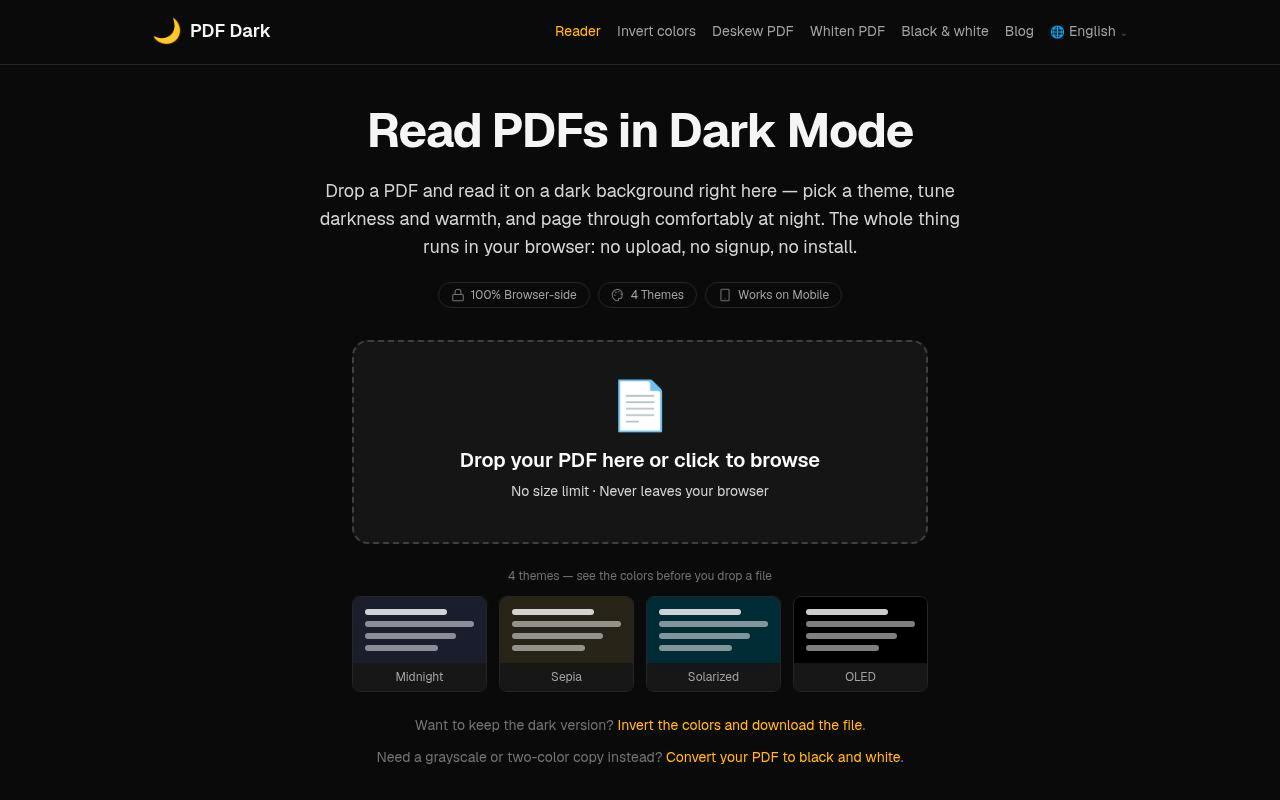
PDF Dark turns any PDF into a real dark-mode file you can download, share, and reread anywhere. The entire conversion happens in your browser — your file never touches a server, verifiable in DevTools. A saturation-based algorithm preserves photos and charts in their original colors while darkening the rest. Output is a standard PDF (not a viewer toggle), so it stays dark on Kindle, iPad, Acrobat, anywhere. Free, MIT-licensed, no signup, no ads.
Frequently asked questions about PDF Dark
Do I need to install any software or browser extensions?+
No, PDF Dark Mode runs entirely in your browser. There is no installation, signup, or extension required.
Is my document uploaded to a server?+
No. The entire conversion process happens locally on your device using your browser's processing power, so your files never leave your computer.
Does this tool ruin the quality of images in my PDF?+
No. Unlike basic inverters that turn photos into negative-like images, this tool detects photos and keeps their original colors while only darkening the text and background.
Can I save the dark mode version of the PDF?+
Yes. You can invert the colors and download a permanent dark-themed PDF file that will remain dark when opened in other PDF viewers.
Community reviews
- Mark FultonContributor · today
The side by side sold me. Most inverters turn photos into film negatives, this one keeps the sunset looking like a sunset while the text goes dark. Runs in the browser with no upload, and the text stays selectable. Sepia and OLED themes are a nice extra. What if there was a sample PDF button so I could see it work before digging up my own file?
Support this launch
Members earn points for sharing, reviewing, and giving feedback on PDF Dark. Not a member yet?
Join Favors.devYou might also like
- 2
Partly
The AI-powered bill splitting app that scans receipts, manages group expenses, and handles payouts
- 2
Starboard
A mobile manifestation tool to build vision boards with affirmations and healing soundtracks
- 2
Pray Shield
A 15-second Scripture and prayer pause before distracting iPhone apps
- 1
PDF Fan
Free online PDF tools
- 1
Yap
Fast, private voice dictation for Mac and Windows
- 1
Napless
Keep your Mac awake while work runs