 Favors.dev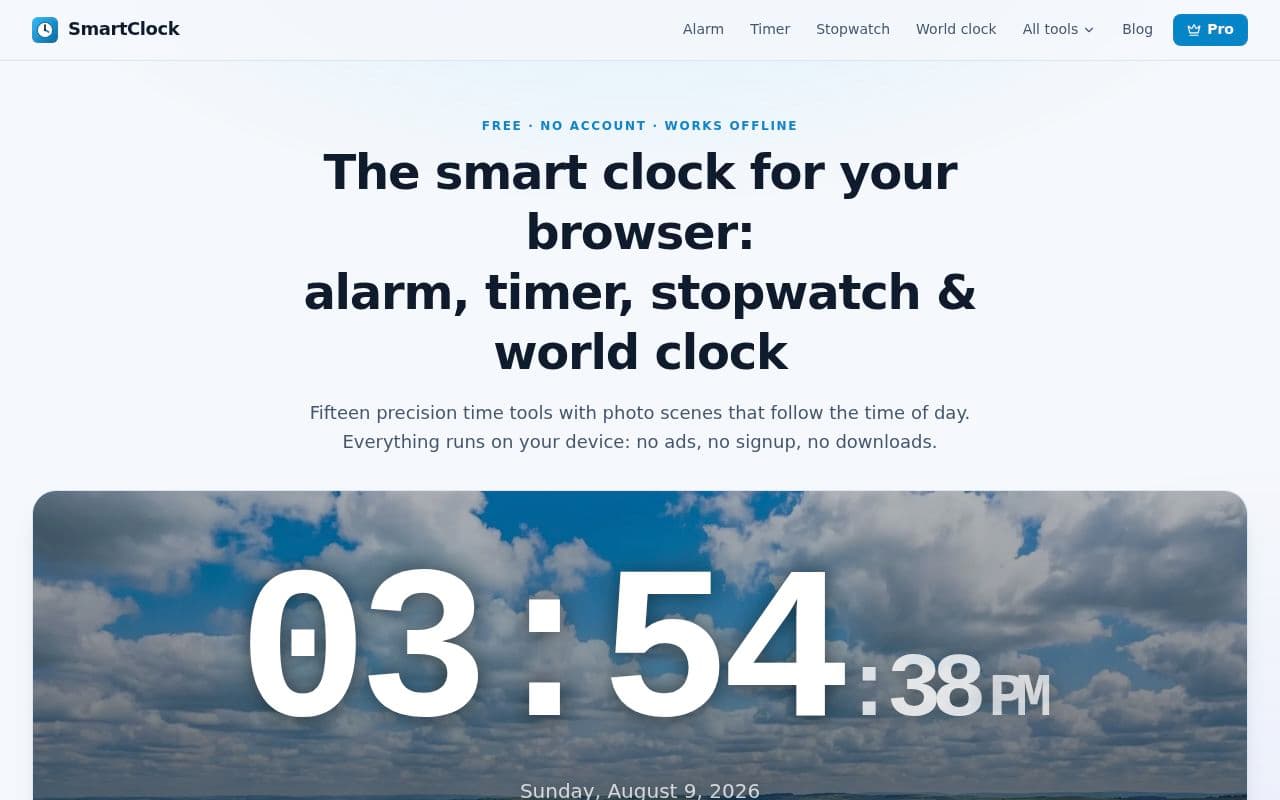
About SmartClock
SmartClock is a comprehensive suite of fifteen precision time tools designed to run directly in your web browser. It is built for users who need reliable, ad-free timekeeping without the hassle of account signups, downloads, or intrusive notification permissions.
Key Features
- Precision Tools: Includes an alarm clock, countdown timer, stopwatch, world clock, pomodoro timer, chess clock, interval/tabata timers, metronome, and more.
- Drift-Proof Timers: Timers are anchored to the system clock rather than counting ticks, ensuring accuracy even in throttled background tabs.
- Smart Scenes: Features photography that automatically shifts to match the time of day, from dawn light to midnight stars.
- Privacy-First: All preferences and settings are stored locally in your browser; no data ever leaves your device.
- No Friction: No installation or notification permissions are required, as chimes are synthesized directly within the page.
Pricing & Plans
- Free Version: Access to all core tools, including alarms, timers, and the standard Smart scene.
- Pro Version: Available for $3/month or a $49 one-time payment. Includes the full dawn-to-dusk scene cycle, AI features, unlimited world clocks, and pomodoro session history.
Frequently asked questions about SmartClock
Is SmartClock really free to use?+
Yes, every tool in the suite is free to use without an account or ads. A Pro version is available for a monthly or one-time fee if you want extra features like expanded scene collections and pomodoro history.
Will my alarms or timers go off if I switch to another browser tab?+
Yes. Because the timers are anchored to your system clock rather than counting ticks, they remain accurate even if the browser throttles the background tab.
Do I need to install anything or grant notification permissions?+
No. The chime is synthesized directly within the page when you set an alarm, so you do not need to grant notification permissions or install any software.
Does the clock work if I am offline?+
Yes, once the page is loaded, every tool runs entirely within your browser, allowing it to function while offline.
Community reviews
No reviews for SmartClock yet — be the first to leave one.
Support this launch
Members earn points for sharing, reviewing, and giving feedback on SmartClock. Not a member yet?
Join Favors.devMore from Mark Fulton
- 4
ChaChing Alerts
Get a real-time Stripe payment notification with a cash-register sound every time you make a sale
- 3
$199 Domains
Premium, AI-vetted, and ownership-verified domain names for your startup for $199 or less
 3
3Favors.dev
A marketing co-op where founders trade verified growth actions to launch their SaaS
- 3
Real Touch
Transform AI-generated portraits into authentic, realistic photos in under 60 seconds
- 2
Agent Ops Club
Access eight open source AI employees, the Agent Ops Masterclass, and 27 premium systems
- 1
KeepAnswers
Automatically save Facebook group participation answers and send automated email follow-ups
You might also like
- 2
Starboard
A mobile manifestation tool to build vision boards with affirmations and healing soundtracks
- 2
Partly
The AI-powered bill splitting app that scans receipts, manages group expenses, and handles payouts
- 1
SYK
A shareable link that keeps your thoughts, links, videos, files, and explanations in one place
- 1
FormBuddy
AI-powered form filling app that helps you complete tax, legal, and medical forms in seconds
- 0
Atheria
A native macOS live wallpaper engine featuring generative Metal shaders and privacy protection
- 0
WhisperCar
Your personal AI car assistant for diagnostics, maintenance tracking, and expert service advice